TraceMaker
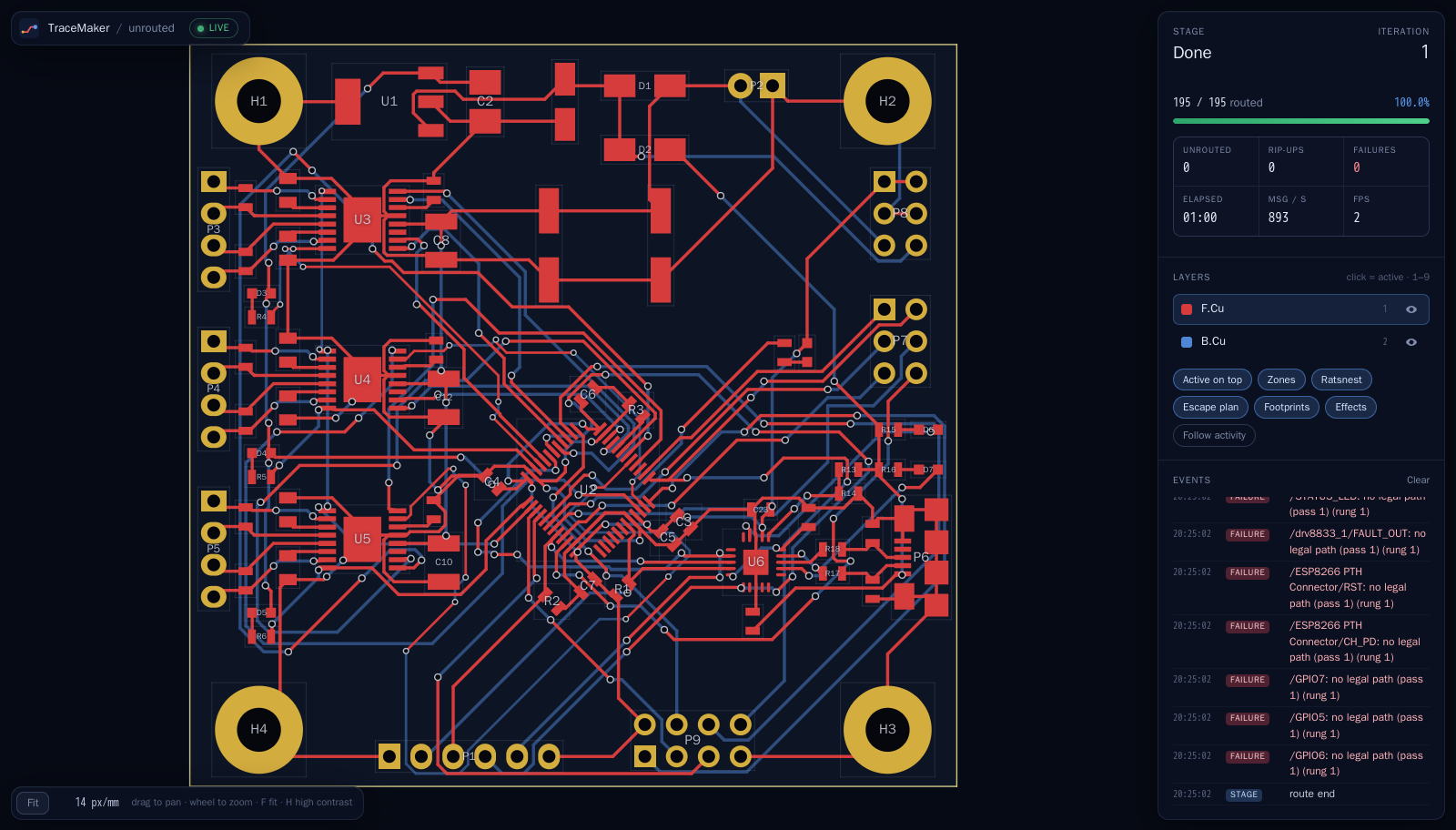
An autorouter and component placer for KiCad. You give it a .kicad_pcb; it draws the tracks and vias and
writes them back into the file. KiCad's own design-rule check is the judge, and anything TraceMaker did not create
round-trips byte for byte.
Where to go
This documentation has four kinds of page, after the Diátaxis framework. Pick by what you want to do now.
| I want to… | Go to |
|---|---|
| Get it running in five minutes, on Linux, macOS or Windows | Quick start |
| Try it for the first time, step by step | Tutorials: route your first board, route from inside KiCad |
| Get a particular job done | How-to guides: build and test, run kicad-cli from Docker, use the GPUs, run benchmarks, release, write docs |
| Look up an option, a message or a number | Reference: every command-line option, the viewer protocol, benchmark results, the C++ API |
| Understand how and why it works | Explanation: requirements, architecture, placement, routing, GPU, the papers behind them |
| Follow the project | Project: roadmap, candidate features, the decision records |
Status
Release 0.10.0. Linux (C++20); a CUDA 12.x GPU speeds it up and is never required. Licence GPL-3.0-or-later. How good it is, measured, and its known limits are in the README and the benchmark results.
Status labels on these pages
Each design document carries a status, shown at the top of the page:
- current: describes the code as it is.
- partly built: part of it is built; the page says which part. The rest is a plan.
- plan: nothing in it is built yet, or it is a proposal.
- historical: kept for the record; the code has moved on.