WholeBoard
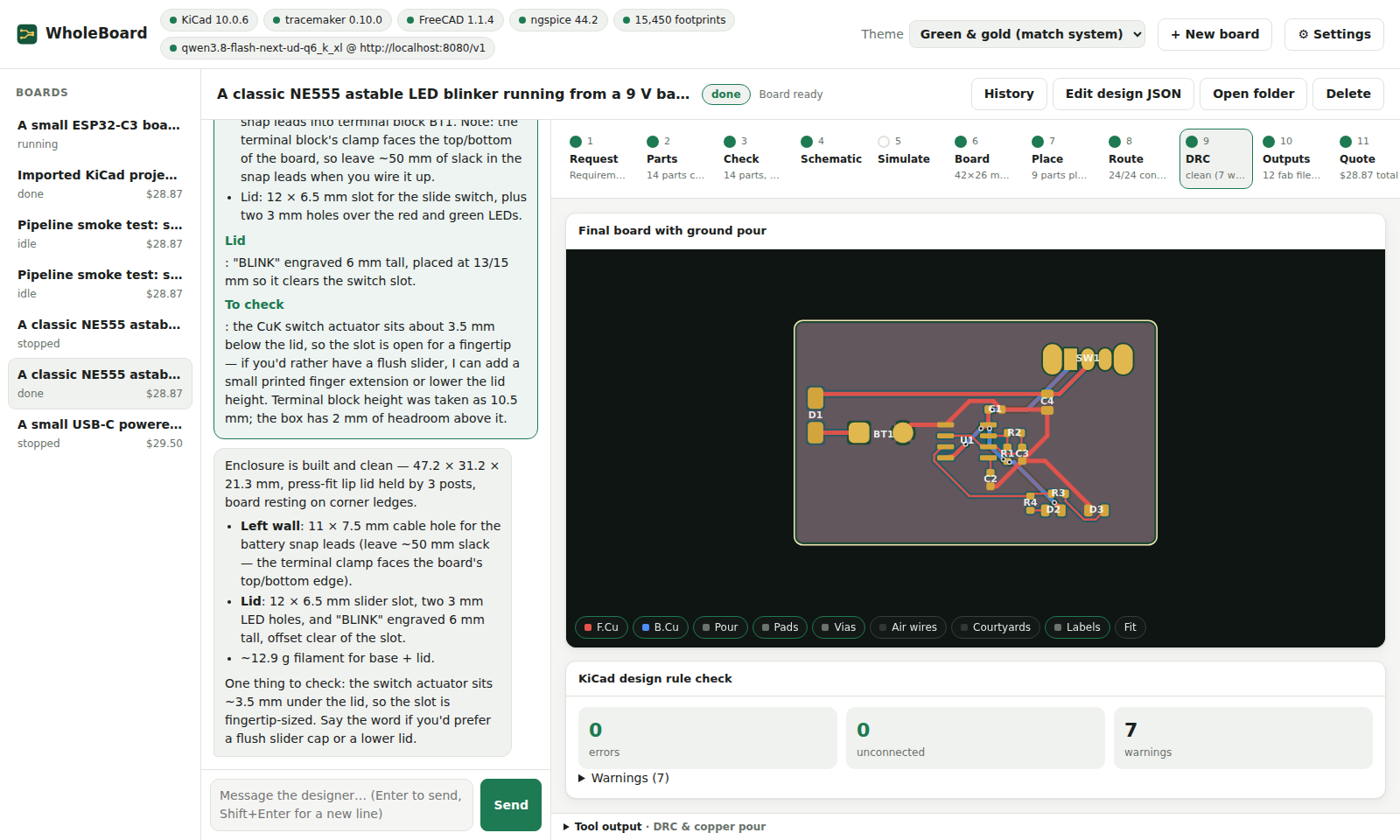
An AI workbench for printed circuit boards. Describe the board you want in plain words. WholeBoard's designer asks what it needs to know, picks real JLCPCB parts and KiCad footprints, writes the schematic and board, has TraceMaker place and route it, checks it with KiCad's design rule check and ngspice, and prices the whole job at JLCPCB. It then designs a 3D-printable enclosure for the board in FreeCAD. Each step shows a visual you can inspect.
Under construction
WholeBoard is in active development. Expect rough edges, breaking changes and boards that need a human check before you order them.
-
Build your first board from a sentence, then a mains-powered one.
-
Install, import a KiCad project, make a panel, order, flash, use the checks from other agents.
-
The design spec, building blocks, interface profiles, mains figures, checks, settings and the Python API.
-
How a build works, how rules reach the router, the heat models and the two AI models.
What it uses
| Tool | What for |
|---|---|
| KiCad 9 or 10 | Libraries, schematic and board files, ERC, DRC, zone fill, renders, fab outputs |
| TraceMaker | Placement and routing |
| ngspice | Circuit simulation |
| FreeCAD 1.0+ | Enclosures |
| KiKit (optional) | Panels |
| PlatformIO (optional) | Compiling the starter firmware |
| An AI | Claude, OpenAI, Grok, or a local model through any OpenAI-compatible server |
Also: Standards and sources lists every engineering figure WholeBoard relies on, and Decisions records why things are the way they are.